Choose the video featured on your artist website
Your artist page can move with your music. Update the YouTube video and title shown in the “Watch the video” section from Artist Setup, then preview and publish the change when you are ready.
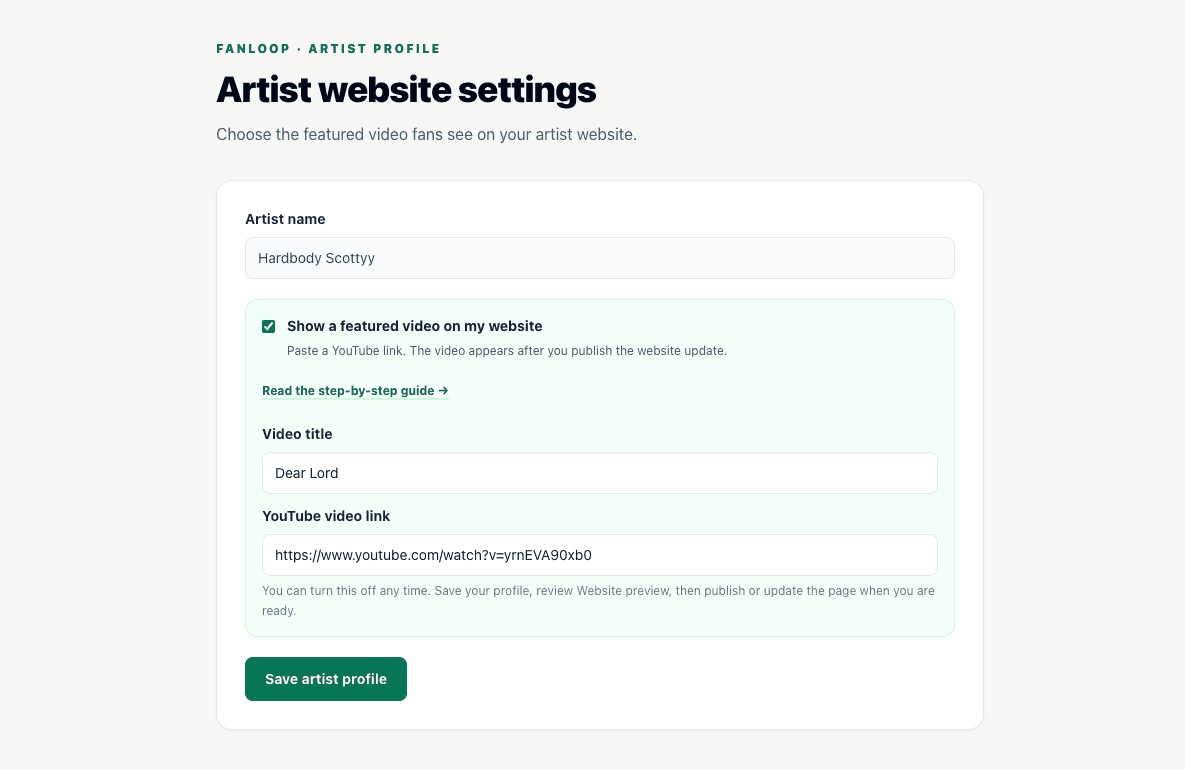
How to change it
- Open Artist Setup or Artist Profile in your FanLoop dashboard.
- Turn on Show a featured video on my website, then enter the title and paste a YouTube link.
- Save your artist profile and open Website Preview to review the page.
- Choose Publish or Update website when you are ready to make the change public.
The page stays as it is until you publish the update. After publishing, most artist pages refresh within a few minutes. Pages on a custom domain can take up to about 30 minutes. To remove the video, turn off the featured video option, save, review the preview, and publish again.
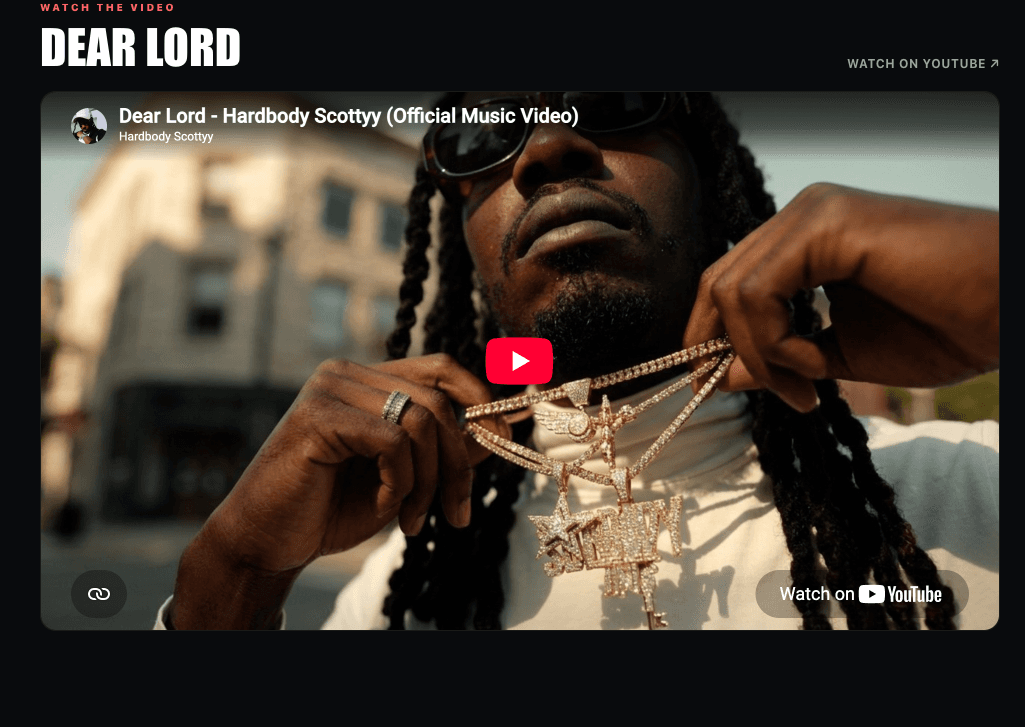
Use a YouTube video link
FanLoop accepts standard YouTube links, including watch, youtu.be, Shorts, embed, and live URLs. The link is checked before it is saved. If a video does not play, check that it is available on YouTube and that embedding is allowed.
The player loads lazily from YouTube. You do not need to upload a video file to FanLoop.
Ready to update your artist page?
Open your workspace to add a video, preview the page, and publish when it looks right.